The whole class, at once
UDL versions for the groups in your class and modified versions for the students who need them. Adapting the entire class takes almost as long as adapting a single test.
Teachers · Adapt materials
Upload your document, choose who it's for, and in a few minutes you have a version for each student in your class. If something isn't right, you change it question by question. You review and decide.
PDF, Word or PowerPoint · an average test, in 3 or 4 minutes
There's nothing to redo and no text to copy: upload the file, choose the class or the student, and confirm.
Benefits
UDL versions for the groups in your class and modified versions for the students who need them. Adapting the entire class takes almost as long as adapting a single test.
You see each version and who it's for. The reason for every change is recorded.
If something isn't right, ask for the change the way you'd ask a colleague. There's no need to edit the text by hand.
Font size or line spacing, without starting over.
Upload the material for your next class and compare the versions.
Adapt your first materialWhy Nubo
Until now you had to choose between doing it well and doing it on time. Nubo gives you both: a ladder of access supports tailored to each student, without costing you your afternoons.
You know each student and adapt with judgment. But it takes hours outside of class.
Fast, but it adapts by label: it doesn't know who each student is or what their plan says.
The speed of AI with the full context of each student: their profile, their plan, their reports. And an engine that decides what each one needs.
From your email
Write to Edna the way you'd write to a colleague, attach the test, and Edna sends it back adapted for your group. From your phone, between classes.
How it works
You adjust question by question, without redoing the whole adaptation.
Step 1
Each adaptation arrives ready, with the supports applied and its accessibility score. Give it a quick look, as you would with any material before taking it to class.
Step 2
Want a different format or more space? Pick the question and suggest the change: from true/false to matching, or anything you ask for in your own words.
Step 3
Nubo redoes the question for you, always aligned with the student's profile. If a change isn't justified, it tells you why. And if it doesn't understand you, you can request a human review from its pedagogy team.
An elephant eats three times as much fruit in the morning as in the afternoon: 20 lb in the whole day. How many pounds does it eat in the afternoon?
x + 3x = 20An elephant eats 5 lb of fruit in the afternoon and three times as much in the morning. How many pounds does it eat in the whole day?
5 × 3 + 5 = ?
An elephant eats 15 lb of fruit in the morning and 5 lb in the afternoon. How many pounds does it eat in the whole day?
15 + 5 = ?
Modifications
When a student works toward objectives from another level, Nubo changes the difficulty, not the context. If the problem is about elephants, theirs is too. By the end of the test, the whole class has worked on the same thing, each at their own level.
When you finish
Download all the versions at once, with a record of what was adapted and why. It works for the classroom, for the family and for the student's file.
Everything in one ZIP, ready to print or upload to your learning platform.
How it connects
Every adaptation starts from each student's Living Profile and support plan.
Real cases
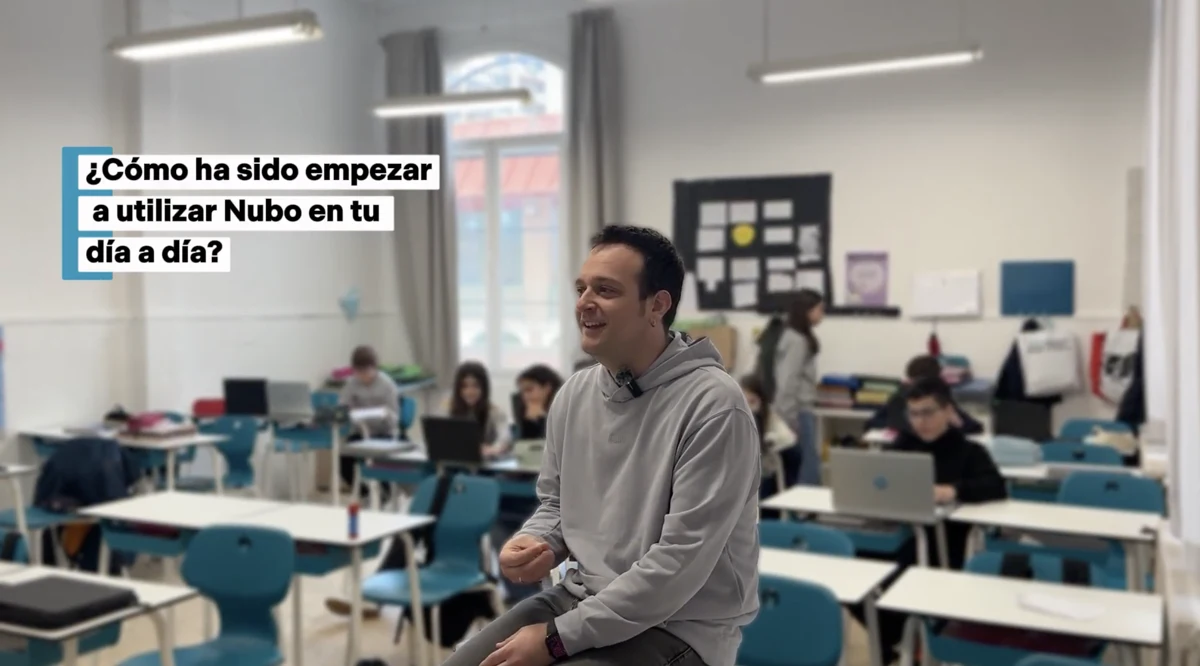 Watch the interview ↗
“You realize that the material you thought was good could be much better, and that it can be adapted much more closely to specific profiles.”
Joan · Assistant principal, counselor and language teacher · Maristes Montserrat, Lleida (Spain)
Read the full case →“My student no longer worries about whether he can do the task. He knows he can do what is put in front of him each day.”
Homeroom teacher · CEIP Justicia de Aragón (public elementary school), Alcorisa, Spain
Read their story →“What stayed with me most was the enthusiasm of the teachers when they came out of the training and said it was very practical and very concise.”
Ana · Director of the Alcorisa Teacher Training Center (Spain)
Read their story →The Nubo method
Seven principles guide every adaptation. These are the three you'll notice first in your classroom.
A label can point the way, but on its own it doesn't tell you what support a person needs.
The decision depends on the student's profile as much as on what today's activity demands.
Tell apart what students must learn from the difficulties created by the format of the task.
Frequently asked questions
The ones you already use: tests, activities, readings, notes and textbooks, in PDF, Word or PowerPoint, up to 30 MB. Scanned documents too.
A short document takes under a minute. An average test takes about 3 or 4 minutes. Adapting it for the whole class takes almost the same.
A generic AI adapts by label. Nubo uses the full context of each student (their profile, support plan and reports) and an engine that decides which support each one needs, with every change justified.
Yes, question by question, without redoing the whole adaptation. You ask for the change in your own words or choose another format, and Nubo redoes the question aligned with the student's profile. You can also adjust font size and line spacing.
Click “Human review” and a member of Nubo's pedagogy team looks at your case and advises you on which supports to apply.
Only with a support plan and a counselor's report to back it up, and every change is approved one by one. The context stays the same for the whole class. More on modifications.
No. Your free educator account is free forever. The only limit is on adapting (10 adaptations to start). The school plan adds unlimited adaptations and team coordination. Compare plans.
Upload the test for your next class and compare the versions, with nothing to redo.
Adapt your first material